
Paycheck
Biweekly Paycheck Budget
See which bills come out of which paycheck for the whole year, and spot tight pay periods early.

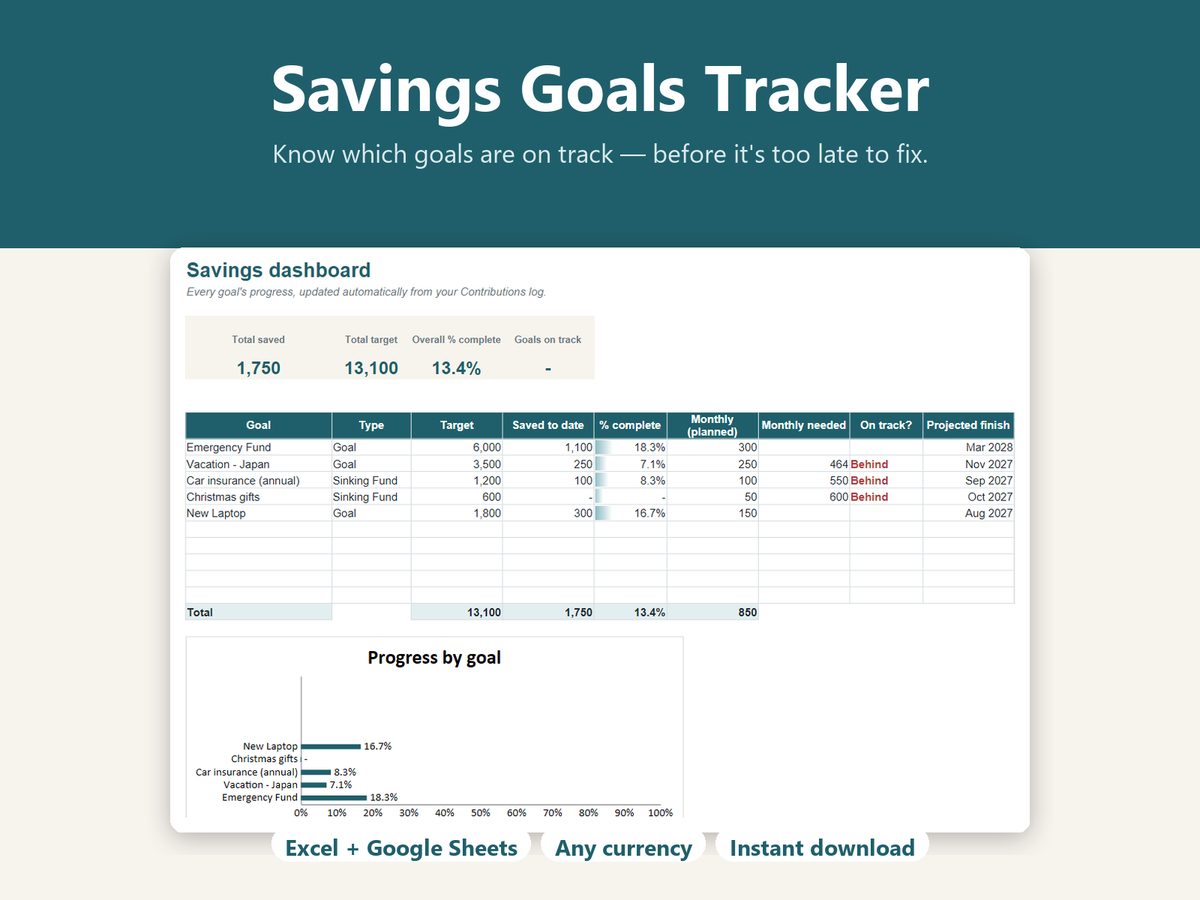
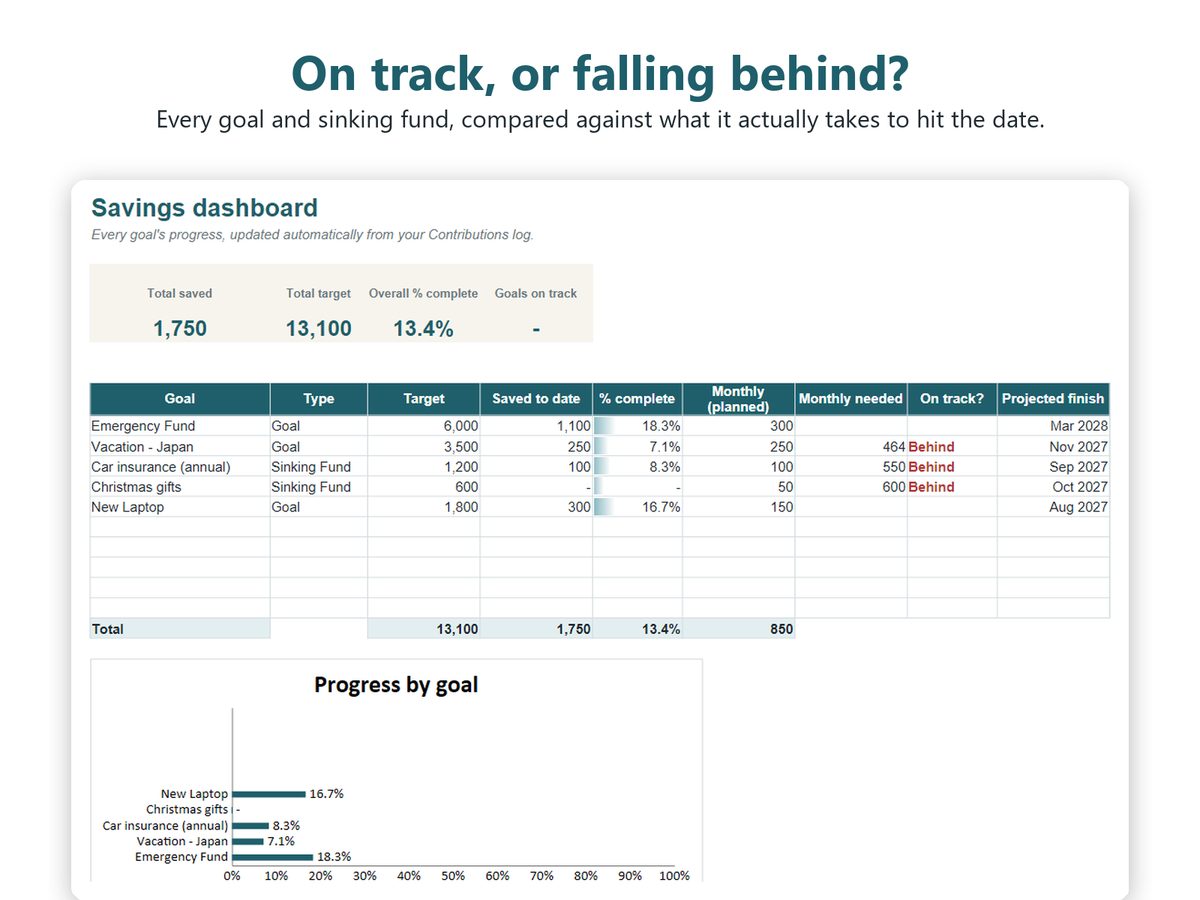
Track every goal and sinking fund, see which are on track, and when each will be fully funded.
USD 5 one-time Coming soonOr get it with five more in the bundle for USD 19.
Buy and get your download link by email straight away.
Open the .xlsx in Excel, or upload it to Google Drive and open with Google Sheets.
On the Goals tab, add each goal with its target amount, optional target date and planned monthly amount.
Our free savings goal calculator gives you a quick answer in your browser. The spreadsheet keeps the full picture, month by month.
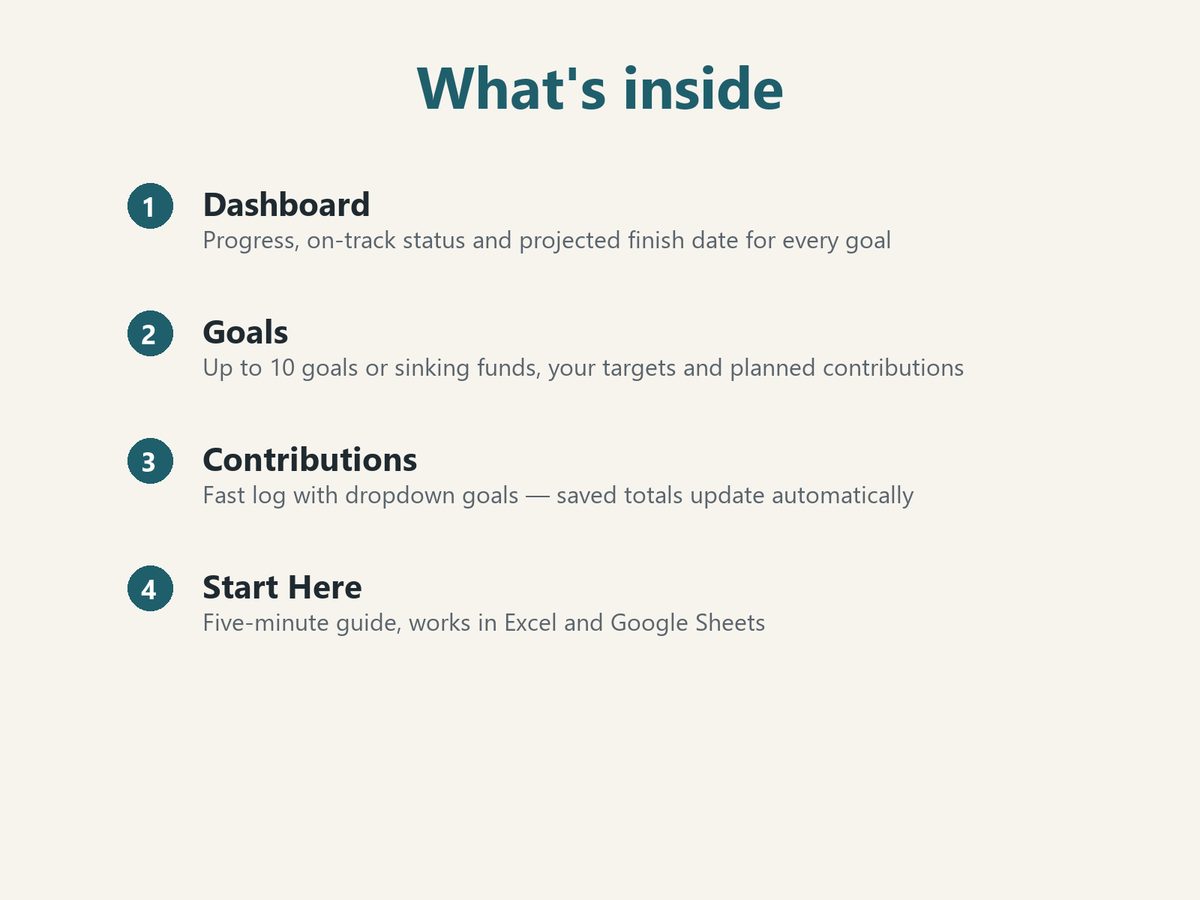
Every goal's progress, whether it's on track for its target date, and the month it'll be fully funded at your current pace, plus a progress chart.
Up to 10 goals or sinking funds: name, target amount, optional target date, starting balance and planned monthly contribution.
Date, goal from a dropdown, amount. Saved totals update automatically.
Car insurance, Christmas, annual subscriptions: anything you set aside for ahead of time.
Works in Microsoft Excel (Windows, Mac, web) and Google Sheets. No macros or add-ons. Use any currency. Example rows are clearly marked so you can delete them.
Money you set aside gradually for an expense you know is coming, like car insurance or a big annual bill. Add it as a goal with the bill's due date as the target date.
Leave it blank. The Dashboard still tracks progress and shows a projected finish date based on your planned monthly contribution.
Yes. Upload the .xlsx file to Google Drive and choose "Open with Google Sheets". Formulas, dropdowns and charts work. You need a free Google account.
Any. Amounts are plain numbers, so use whatever currency you earn and spend in.
Right after checkout you get a download link by email. Checkout is handled by Lemon Squeezy.
Email me. I'll help you fix it, and if I can't, I'll refund you.
No. It's a planning and tracking tool based on the numbers you enter.
Savings Goals & Sinking Funds Tracker is one of the six spreadsheets in Money Reset 2027. If more than one part of your money needs attention, the bundle costs less than buying three separately.
See which bills come out of which paycheck for the whole year, and spot tight pay periods early.
Log client payments and expenses, and see how much to set aside for tax each quarter.
